Transform Your Smartphone into a Professional Wireless Mouse & Keyboard
Everything you need in one app
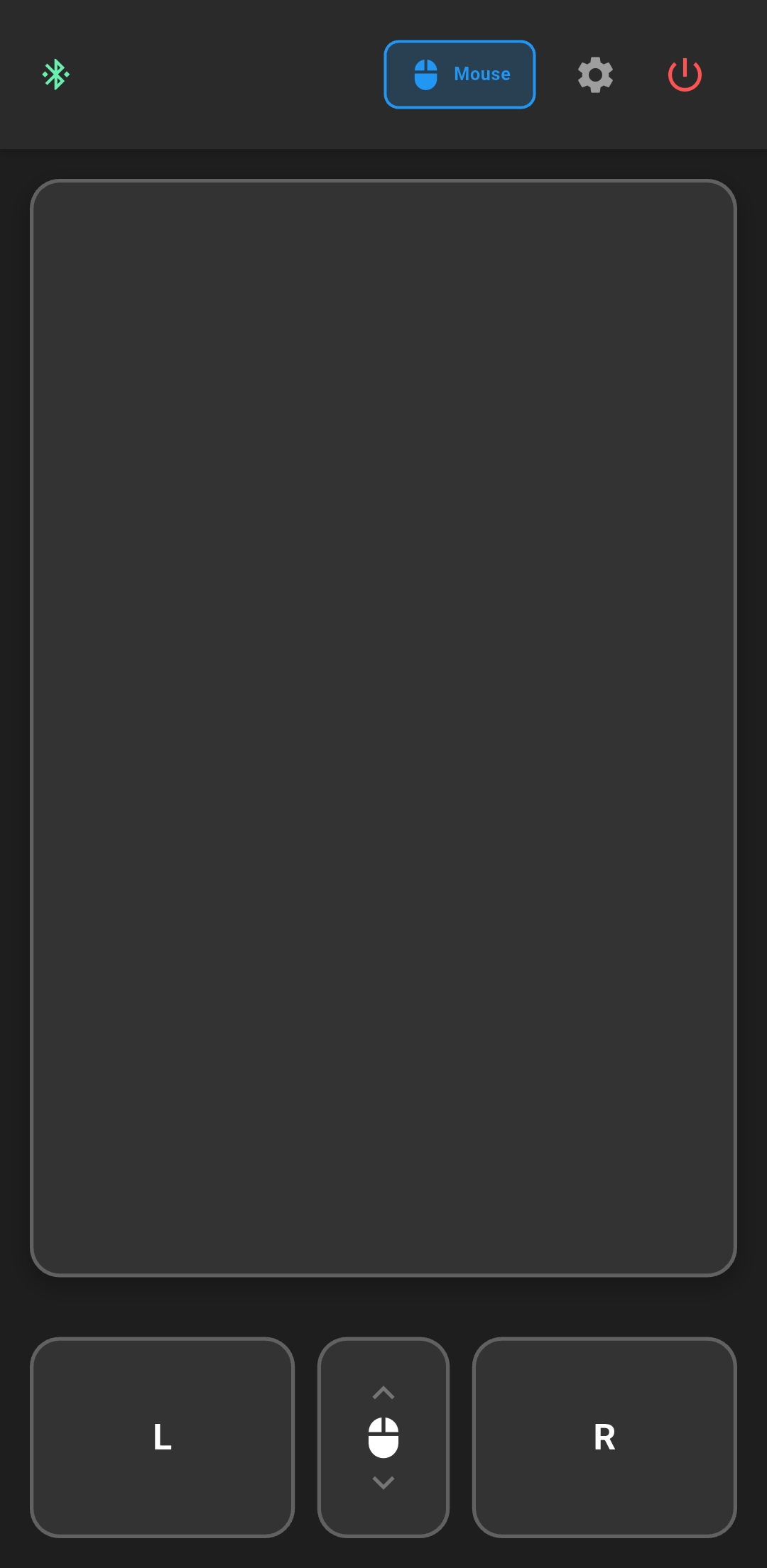
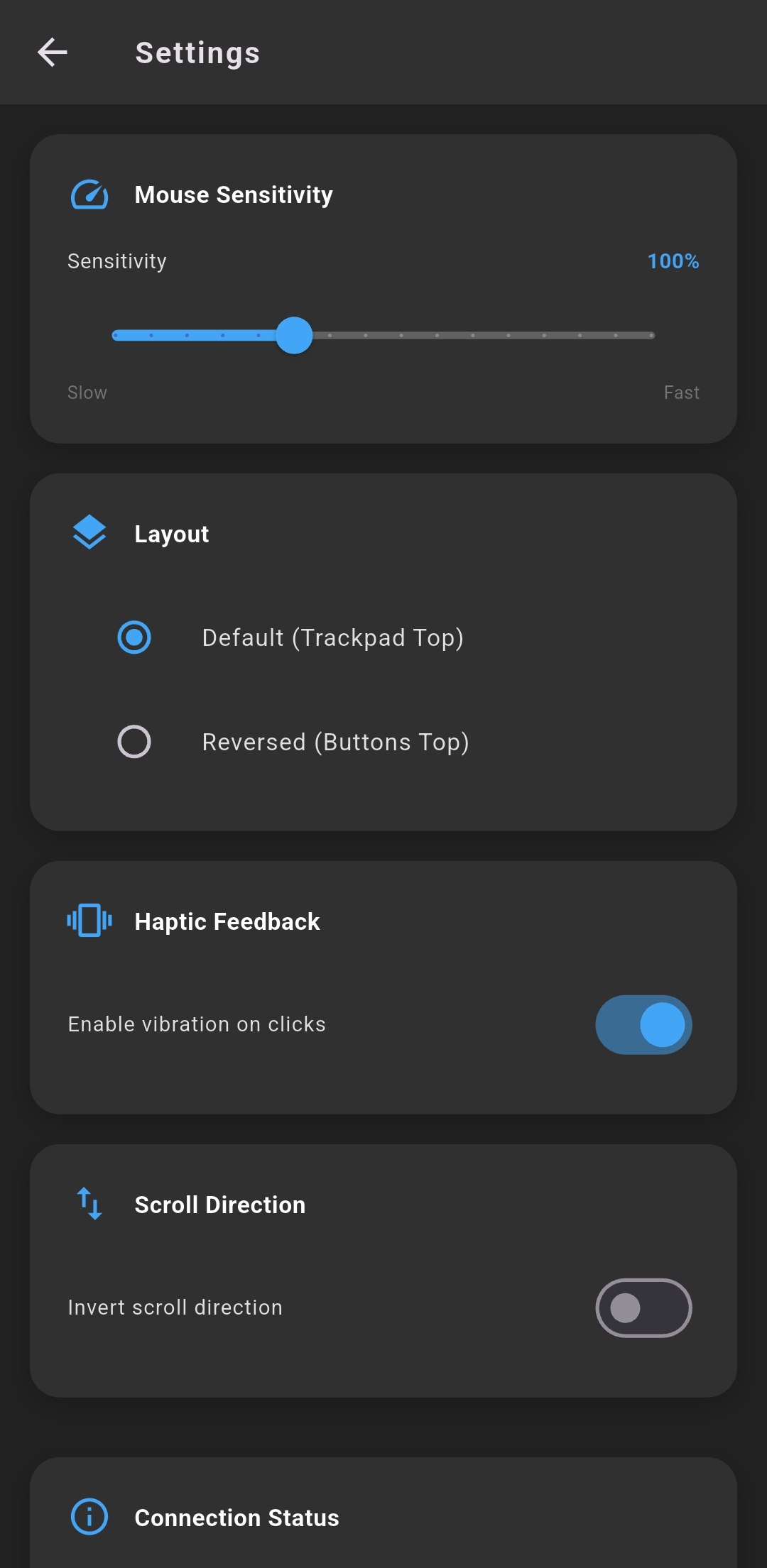
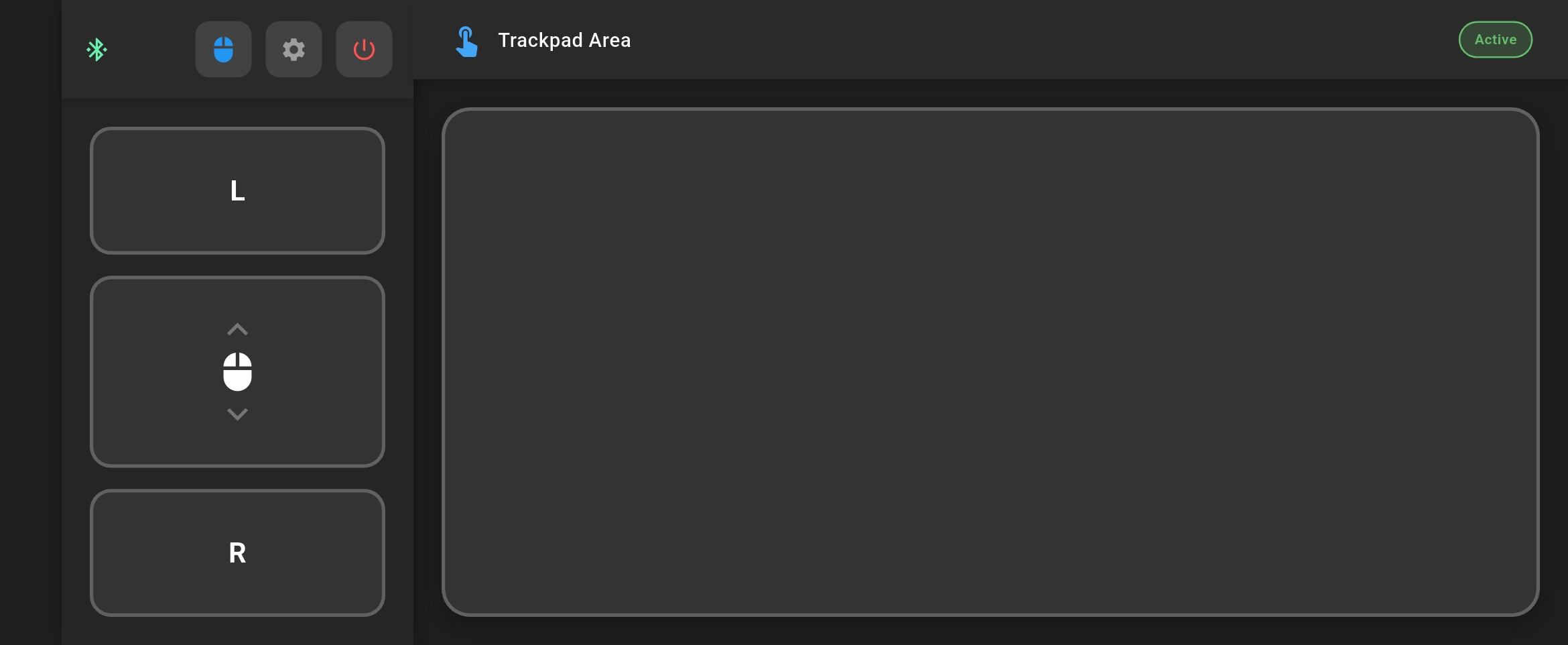
Precision touchpad with left, right, middle click and smooth scrolling. Adjustable sensitivity for perfect control.
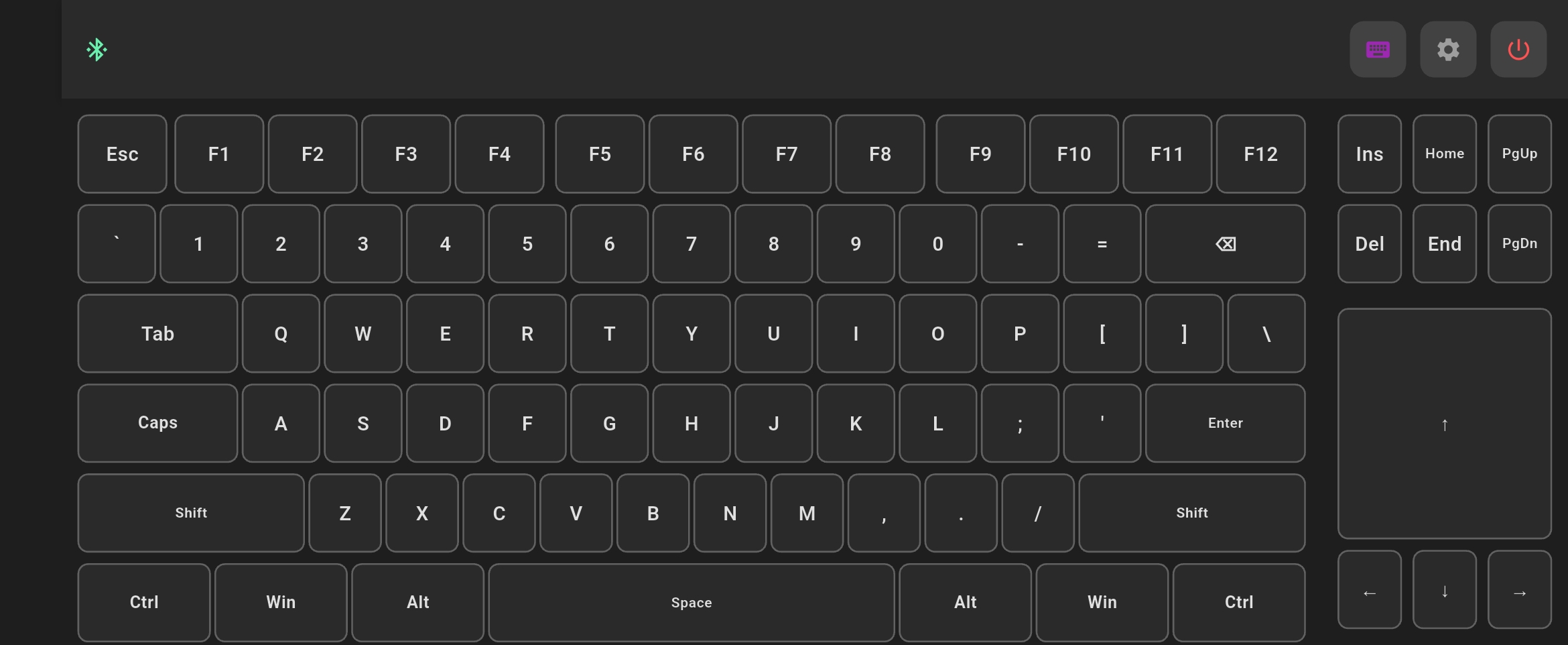
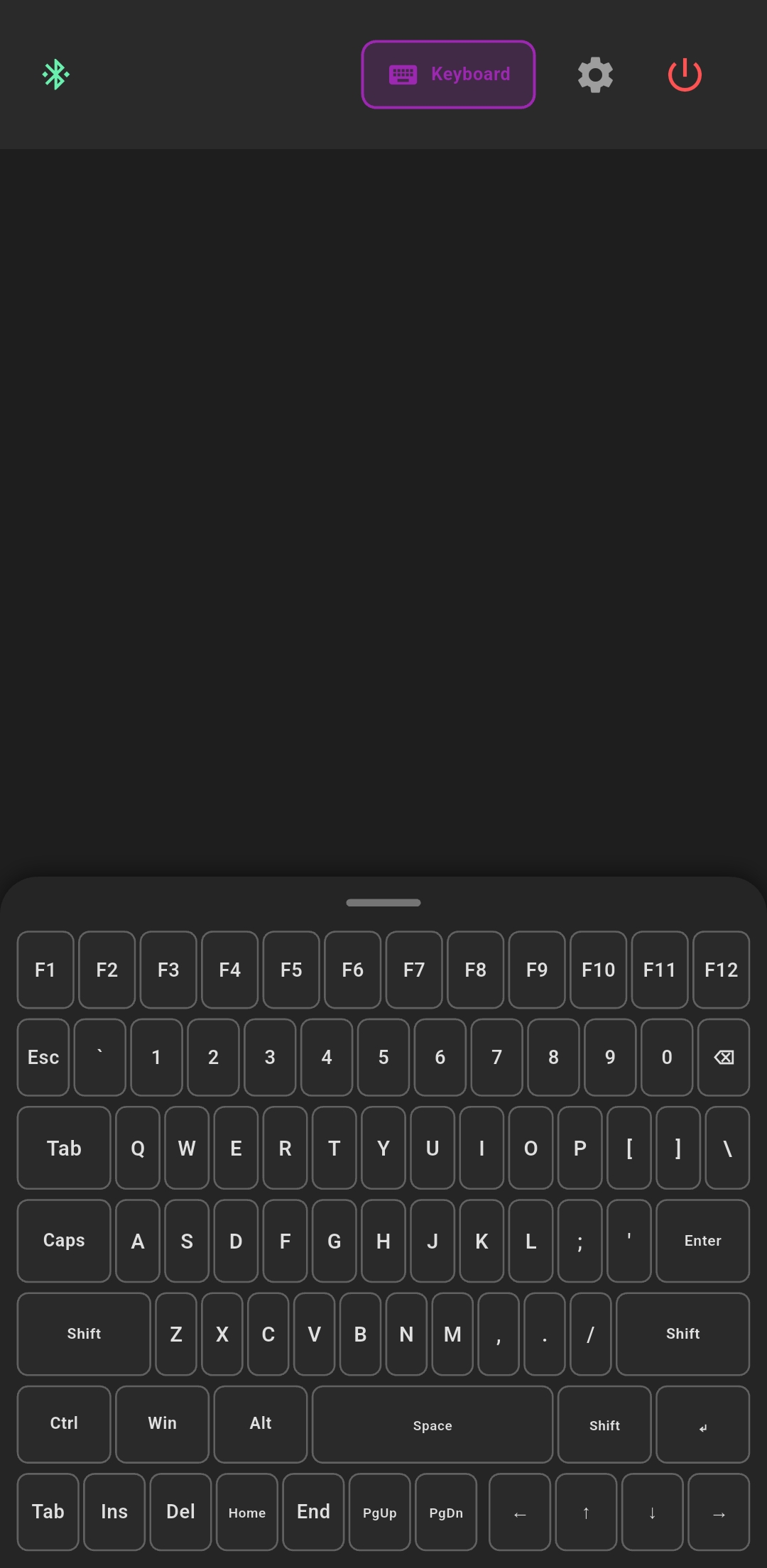
Complete QWERTY layout with F-keys, modifiers, and navigation keys. All shortcuts work perfectly (Ctrl+C, Alt+Tab, Win+R).
Direct Bluetooth connection using HID protocol. No server or receiver needed. Works with any computer.
Optimized layouts for both portrait and landscape modes. Compact keyboard in vertical, full layout in horizontal.
Switch between mouse and keyboard modes instantly without reconnecting. Seamless workflow.
Native vibration on every key press. Light feedback for regular keys, stronger for modifiers.
Beautiful design, powerful functionality
Get started in 3 simple steps
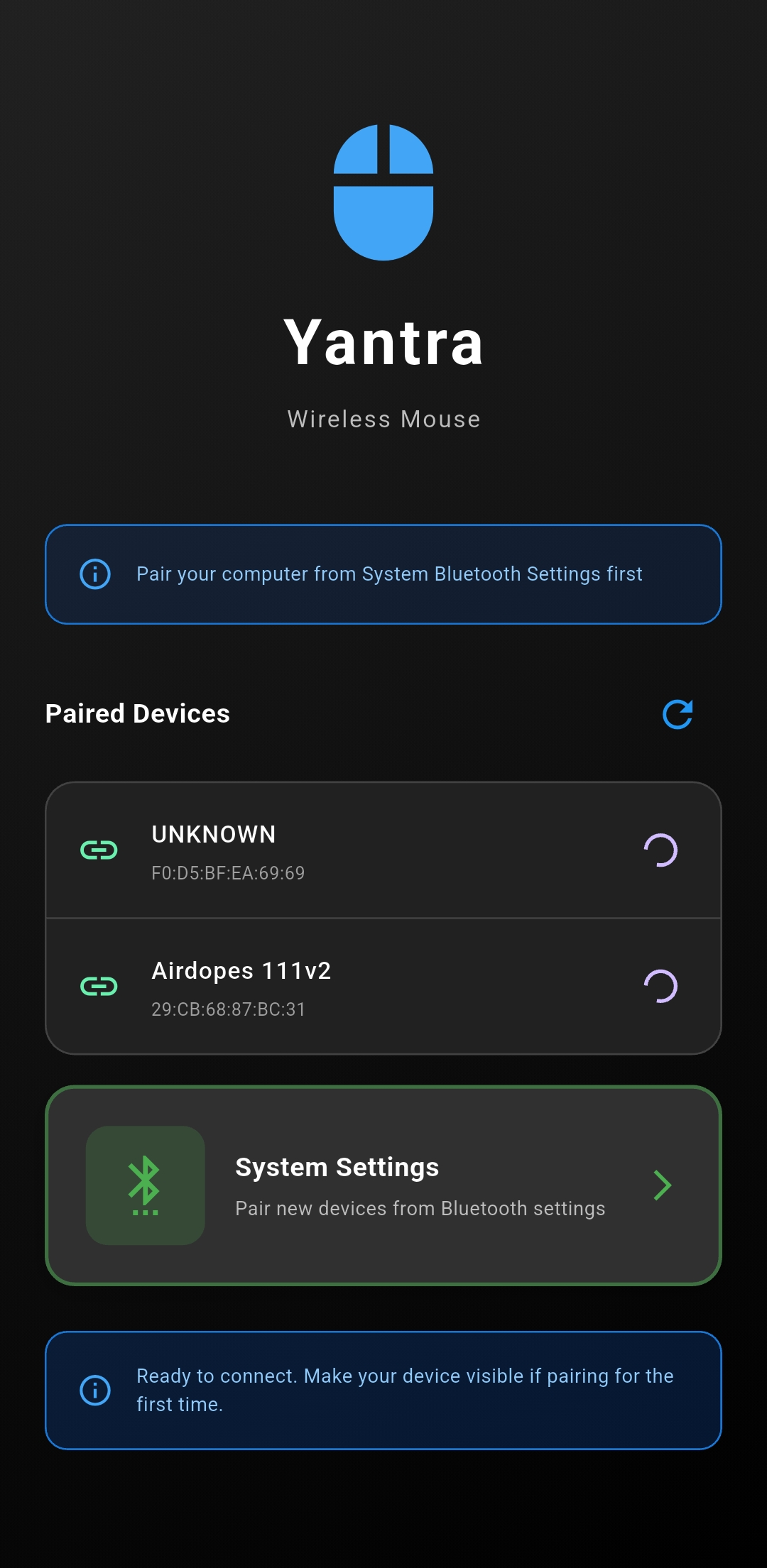
Open Bluetooth settings on your computer and pair your Android phone. Grant Bluetooth permissions in the app.
Open Yantra app, select your computer from the paired devices list, and tap to connect. Connection is instant!
Use the touchpad to move your cursor, click buttons, or switch to keyboard mode. It's that simple!
Download Yantra now and experience wireless freedom
Requires Android 9.0 (Pie) or higher